Upload a screenshot
Drag in, paste, or browse for PNG, JPG, or WEBP — one file or several.
Drop in a PNG, JPG, or WEBP screenshot, wrap it in an iPhone or Pixel frame, adjust background and light, then export up to 4800×3000 — all in the browser, nothing uploaded.
Free · No signup · No watermark · Renders on your device
Drag in, paste, or browse for PNG, JPG, or WEBP — one file or several.
Five compositions, from one centered phone to a five-column wall.
Set background, light, shell, and size, then export PNG or JPG up to 3×.
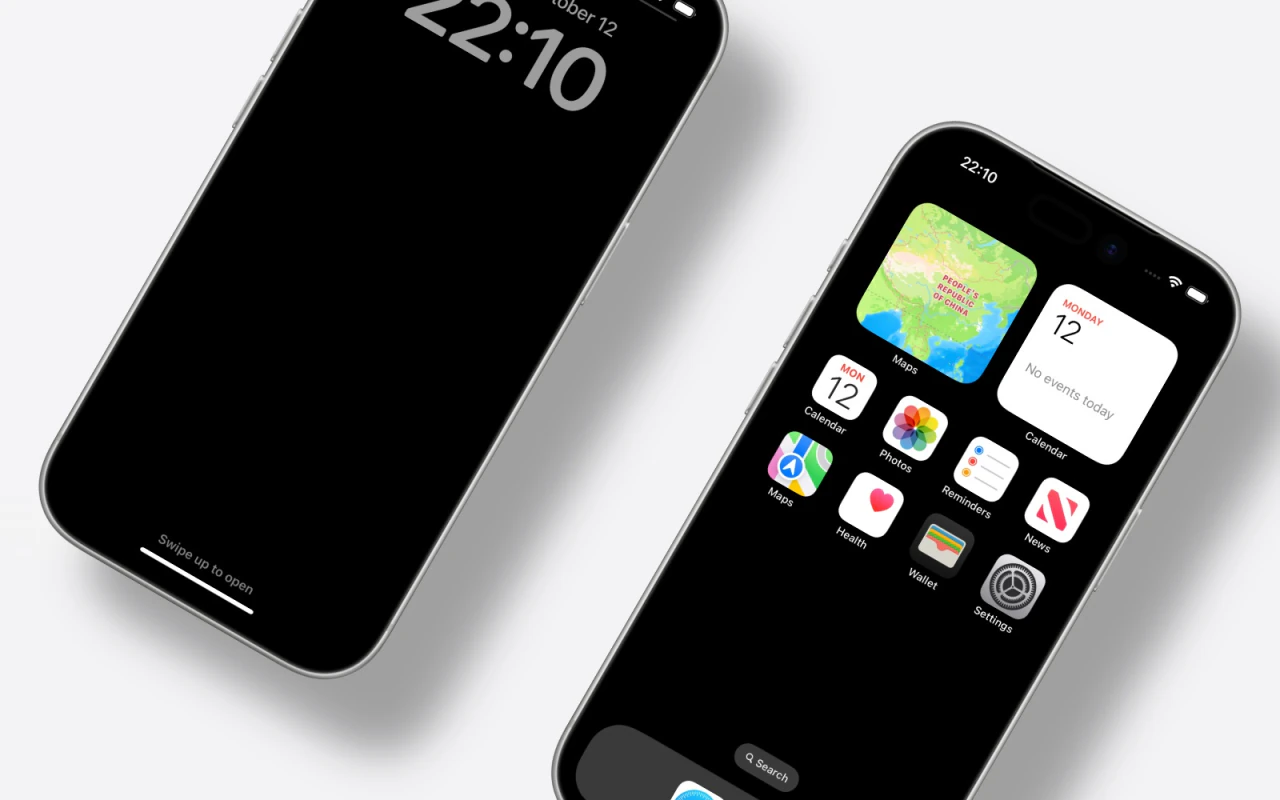
Five device layouts. Single centered, level duo, angled trio, parallel-crop poster, and a five-column device wall.
Backgrounds. Transparent, six solid colors, and nine curated gradients behind every layout.
Lighting. Drag the light source anywhere on the canvas, then tune shadow intensity and softness.
Real device shells. Photographic frames in finishes like Silver, Deep Blue, Cosmic Orange, and Obsidian.
Size & spacing. Scale devices from 40% to 160%, spread or stagger multi-device layouts, or snap back to fit.
Clean export. PNG with transparency or JPG, at 1×, 2×, or 3× — up to 4800 × 3000 pixels.
Use your mockups anywhere you present product work — app launch pages, Product Hunt galleries, portfolios, social posts, and documentation.
Upload a screenshot and export a device mockup in about a minute.