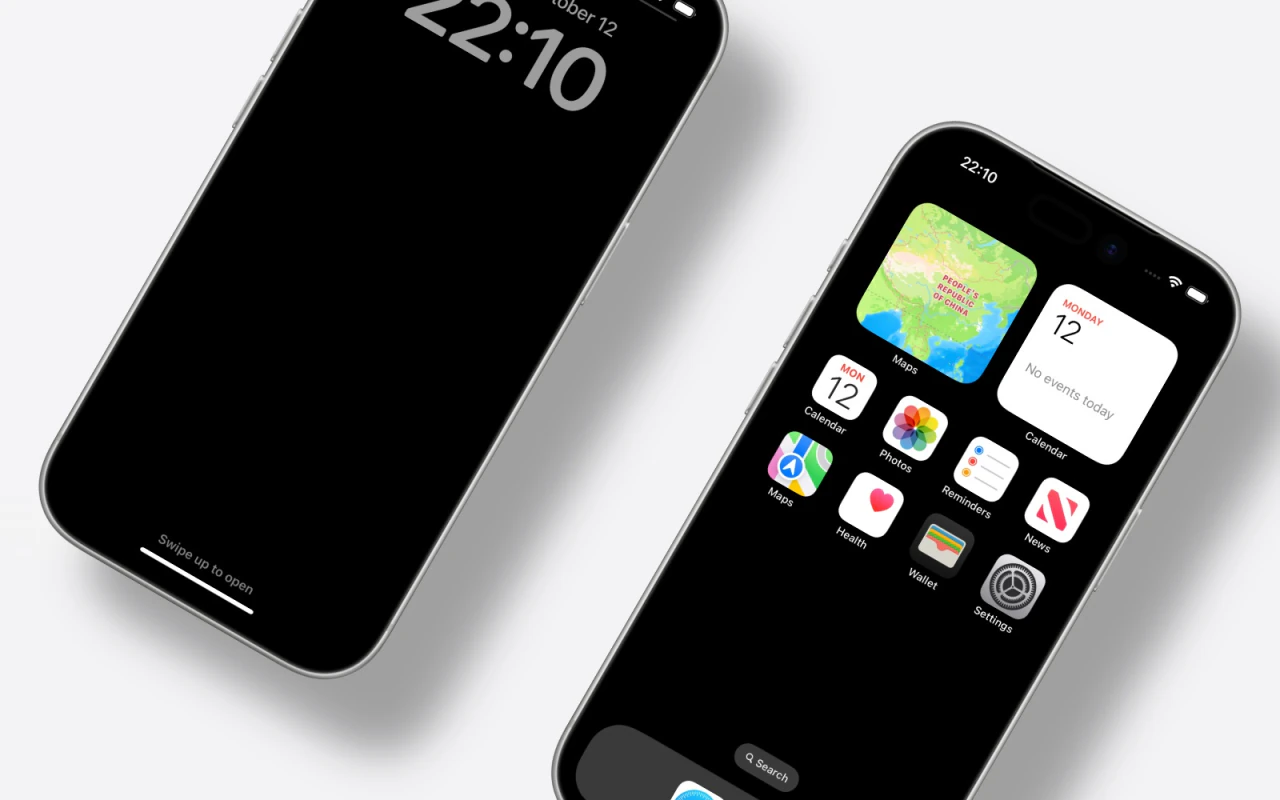
Upload a capture
Bring in screenshots from Android Studio, an emulator, or a physical Pixel device.
Frame Android app screenshots in a Google Pixel shell. Build single or multi-device compositions, adjust lighting and background, and export assets ready for Play Store and product marketing.
Free No signup No watermark Browser-only render
Bring in screenshots from Android Studio, an emulator, or a physical Pixel device.
Use the Google Pixel 7 Pro shell and finish options that match your marketing tone.
Arrange layouts, drag lighting, then export transparent PNG or JPG up to 4800×3000.
Place UI in a credible device context so store visitors understand the product faster.
Pair Android frames with iPhone mockups when you ship on both platforms.
Export crisp device shots for release notes, README heroes, and support articles.
Open the editor, pick Pixel 7 Pro, and drop in a screenshot.