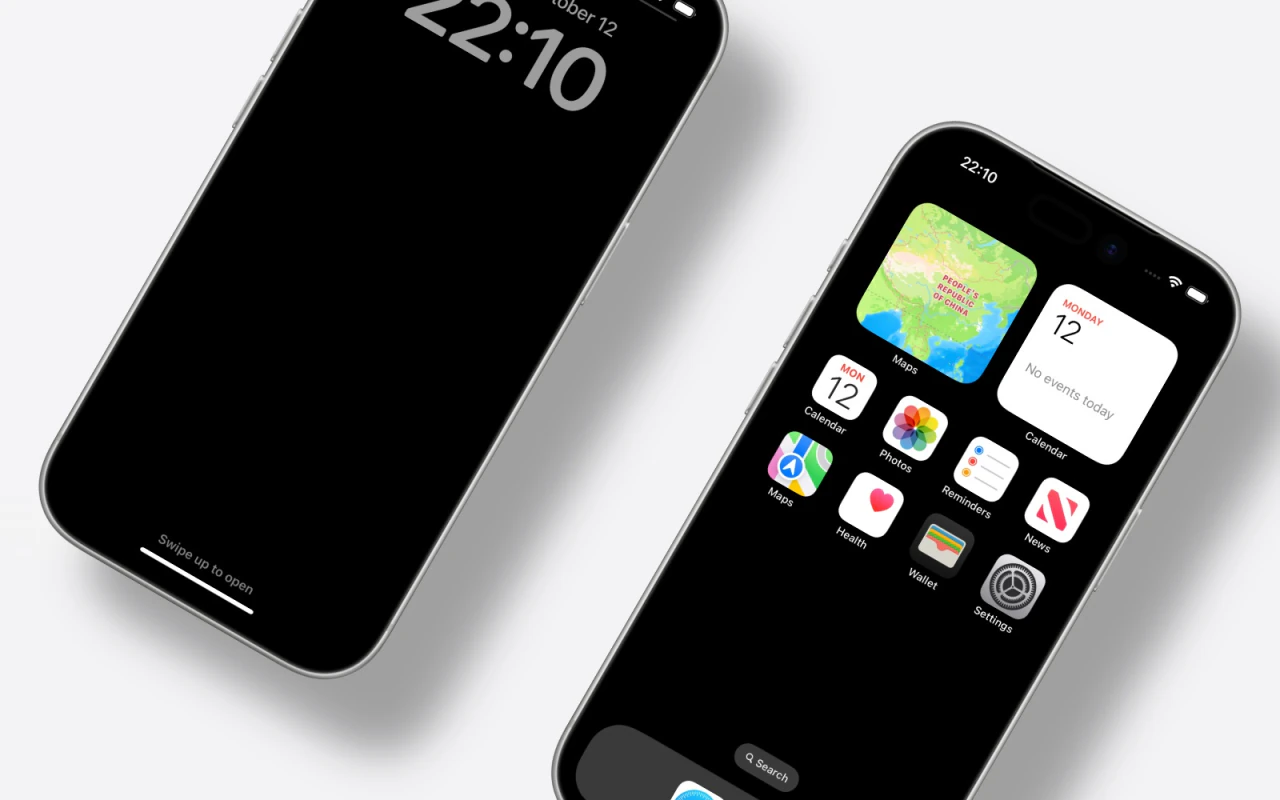
Free iPhone Mockup Generator

Drop an app screenshot into a real iPhone frame. Choose Pro or Air shells, arrange one or many devices, and export a clean mockup for App Store previews, launch pages, and social posts.

Free No signup No watermark Runs in your browser

From screenshot to iPhone mockup

Add your screen

Upload or paste a PNG, JPG, or WEBP capture from Xcode, Simulator, or a device.

Choose an iPhone shell

Pick iPhone 17 Pro or Air and a finish such as Silver, Deep Blue, or Cosmic Orange.

Export the frame

Tune lighting and background, then download PNG (with transparency) or JPG up to 3×.

Built for app marketing

App Store & launch pages

Show real UI inside a recognizable iPhone frame instead of a flat screenshot crop.

Multi-screen storyboards

Fill duo, trio, or five-device layouts so onboarding flows read as a product story.

Social & Product Hunt

Export poster-style crops that hold up in galleries, tweets, and launch posts.

Example iPhone mockups

Exported from the editor
Trio of tilted silver iPhone mockups with app screenshot wallpapers
Two upright iPhone mockups side by side for an app feature comparison
Angled iPhone mockup poster layout for a product launch graphic

Related

Make your first iPhone mockup

Open the editor and drop in a screenshot — about a minute to export.

Open editor